Digital Media & E-Learning
Strategic Corporate Messaging Training Unit
Interactive learning designed to help community college students create clear, respectful, and complete workplace messages.

Project Overview
Role: Instructional Designer
Module Length: 15–20 minutes
Target Audience: Community college learners, including traditional, dual-enrollment, and adult learners
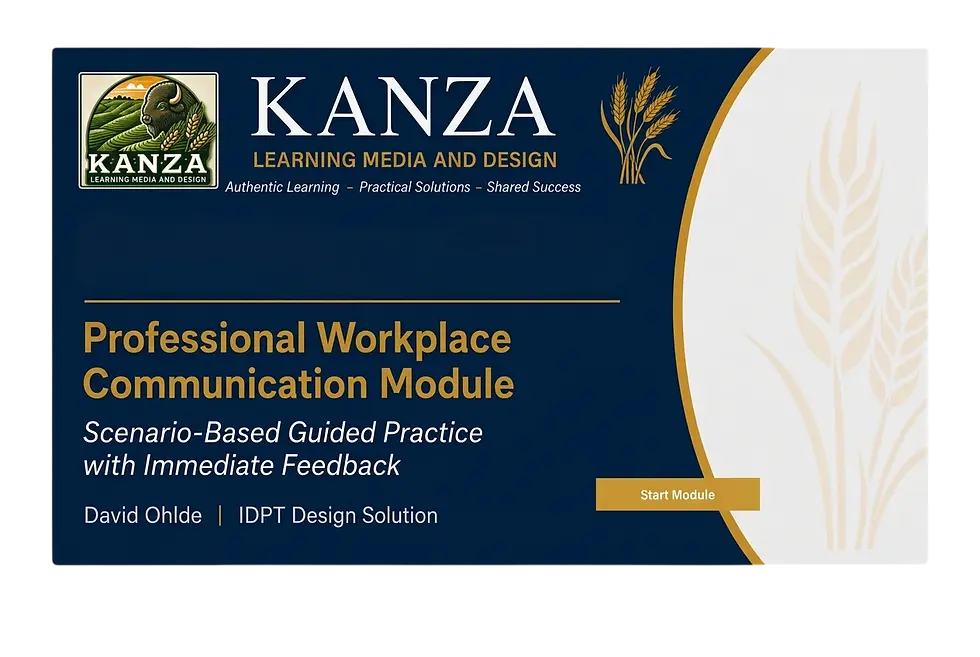
This 15–20 minute asynchronous module was designed for community college learners, including traditional students, dual-enrollment students, and adults returning to school. The goal was to help learners create clear, respectful, and complete workplace messages through realistic examples, guided practice, immediate feedback, and opportunities to try again.
Leveraging scenario-based learning and interactive simulations, the module provides realistic practice opportunities for students to apply communication standards before entering the workforce.
Challenge
Community college learners can come from very different backgrounds and may have different levels of confidence with workplace communication. The challenge was to create a short module that clearly showed what a good workplace message looks like and gave learners a chance to practice without making the experience feel overwhelming.

Instructional Solution
I created a short interactive module that uses examples, realistic scenarios, guided practice, immediate feedback, and opportunities to try again. The design gives learners a chance to practice workplace communication in a simple, low-pressure setting before applying those skills in real situations.
Design Process
Learner Journey Map Area

Planning Stage

Storyboard Area

Feedback & Revision

Final Module Area

Learner Journey Map
Project Planning
Feedback & Revision
Storyboard
Genially Module
I started by looking at the learner experience and identifying where learners might need support. From there, I planned the project, developed the storyboard, used feedback to make revisions, and built the final module in Genially.
Supporting Artifacts

The Approach
I designed this module around the learner from the beginning. I used UDL, realistic practice, clear examples, immediate feedback, and opportunities to try again so learners could build confidence without feeling overwhelmed.
Tools Used
Genially
Microsoft PowerPoint
Microsoft Word
UX Learner Journey Mapping
Low-Fidelity Storyboarding
Universal Design for Learning (UDL)
Scenario-Based Learning
ChatGPT
Reflection
This project reinforced for me that good design starts with understanding the learner. Building in accessibility, realistic practice, feedback, and opportunities to try again from the beginning made the final learning experience more useful and easier to follow.